Most agents have never sat down and actually reviewed their own website. They know it exists. They know it hasn't produced a lead in a while. That's usually where the audit stops. Here's a short checklist that goes further, without needing a paid tool.
It's worth doing this before spending money on anything: a redesign, an SEO retainer, a lead-gen ad campaign. A site with a broken contact form or a listings page that takes eight seconds to load on mobile will underperform no matter how much traffic gets driven to it. Fix or confirm the basics first, then decide what else is worth paying for.
Do the listings actually work
Open the listings page on a phone, not a laptop. Can you find price, beds, baths, and square footage without scrolling past filler text first? Do the photos load quickly, or does the page hang on a spinner? A listings page that's slow or hard to scan on mobile is losing the exact visitor it exists to convert, since most home searches now start on a phone.
If listings are missing entirely, or the page just links out to Zillow, that's worth noting too. A site with no live, browsable listings gives a visitor no reason to stay on it. And the leak is bigger than it looks: every visitor sent to a portal lands on a page where competing agents advertise next to the same inventory. Listings that live on your own domain, pulled from the MLS through IDX (the system that syndicates MLS listings to agent websites), keep the visitor, the inquiry, and the search value on your site instead of someone else's.
While you're there, check whether the site answers the question sellers ask most: what have homes near me actually sold for. Where your board's rules allow publishing sold data, a site that shows it has an answer for the highest-intent visitor there is. A site that can't leaves that person to find the number on a portal.
Check the contact form actually goes somewhere
Fill out the contact form yourself, right now, with a real email address you check. Does a confirmation appear? Does the message actually arrive? Agents are sometimes surprised to learn a form has been silently failing for months, either because a plugin broke or a hosting change quietly disconnected it.
Do the same for any property inquiry button on a listing. The form on a listing page is worth more than the general contact form, because the person filling it out is asking about a specific property, and it deserves the same monthly test.
Look for a real FAQ section
Not a generic "About" page. A page with actual questions, written the way a buyer or seller would type them: "how much does it cost to sell a house in [city]," "how long does closing take," "do I need an inspection." A short, honest FAQ section does double duty. It answers a real question for a human visitor, and it gives an AI assistant something specific to quote if someone asks it for local real estate advice.
The test for whether an FAQ is real: could a competitor in another city copy it word for word? If yes, it's template filler. The questions that earn search visits and AI citations name your market, your price points, and the local quirks a national template can't know.
Check for basic structured data
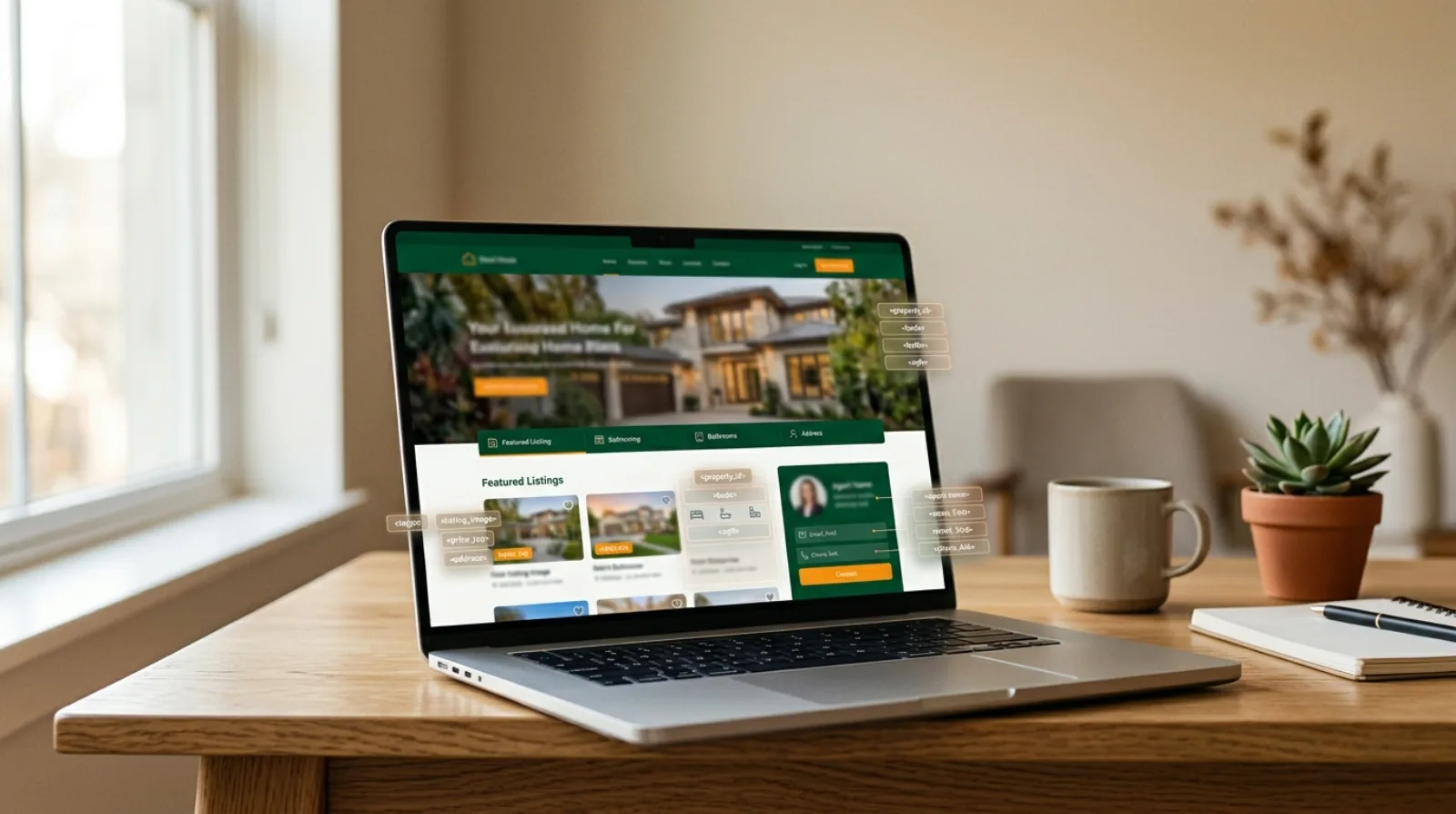
This one takes a browser extension or a quick view-source, not deep technical knowledge. Look for schema.org markup describing the business: name, service area, contact details. Its absence doesn't break the site for a human visitor, but it makes the page harder for a search engine or an AI assistant to summarize accurately, since they're reading the raw code, not just the rendered page.
Check whether search engines can even find the site
Two quick outside-in checks. First, search Google for
site:yourdomain.com. This shows which of your pages Google has indexed.
If only the homepage appears, or long-deleted pages still show, the site's
presence in search is thinner or staler than you assumed. Second, open
yourdomain.com/robots.txt in a browser. This is the file that tells
crawlers what they may read, and some platforms block AI crawlers by default
without asking. A site can be perfectly built and still be invisible because
of three lines in a file nobody has looked at since launch.
Look for one page per topic, not one page trying to cover everything
Open the main navigation and count how many distinct topics the site actually addresses. A common pattern on older agent sites is a single "Services" or "About" page trying to cover listings, market updates, the agent's bio, and neighborhood information all in one long scroll. That's harder for a visitor to scan and harder for a search engine to match to a specific query. A site with a dedicated page per neighborhood, per service, and per common question tends to perform better, because each page has one clear job.
Check how old the content actually is
Scroll to the bottom of a few pages and look for a last-updated date, or check whether the market stats and blog posts reference a year that's already passed. A site that hasn't been touched in two or three years signals the same thing to a visitor and to a search engine: this business might not be active anymore. Even a small, regular update (a new listing, a fresh blog post, an updated market note) keeps both audiences confident the site is current.
Test the site on an actual phone, not just a resized browser window
Buttons that are too small to tap, text that runs off the edge of the screen, a menu that doesn't open: these show up on a real device in ways a desktop browser resized smaller doesn't always catch. Walk through the site on your own phone the way a buyer scrolling through search results at lunchtime would.
Ask what happens after someone fills out a form
A lead capture form only matters if something happens after it's submitted. Does the agent get a notification? Is there a follow-up sequence, or does the lead sit in an inbox until someone happens to check it? This isn't strictly a website question, but it's the step right after the website does its job, and it's worth checking while everything else is open.
Deciding between fixing and rebuilding
Count how many checks failed, then look at where they failed. One or two isolated problems (a dead form, a stale blog) are repairs; make them and move on. Failures that cluster around the platform itself are different. If the listings are slow because of how the site renders them, the pages are thin because the template only ever had five pages, and structured data is absent because the platform never supported it, then each repair is a patch on a foundation that keeps generating new problems. That's the situation where a rebuild is usually the cheaper path, not the more expensive one, because it replaces a dozen recurring fixes with one change. Seeing a rebuilt version of your own site first, before committing to anything, is exactly what Saige's free rebuild preview exists for.
The takeaway
Most of this checklist doesn't require a developer or a paid audit. It takes about ten minutes, a phone, and a willingness to look at the site the way an actual visitor would. What it usually turns up is smaller and more fixable than agents expect: a slow listings page, a broken form, a missing FAQ section. Whether the right next step is a few fixes or a full rebuild depends on how many of these are broken at once, and how much traffic the site is already getting.
Related: Making your agent website readable by AI crawlers · What is AEO for real estate agents · How a Saige website rebuild works · Real estate website FAQ