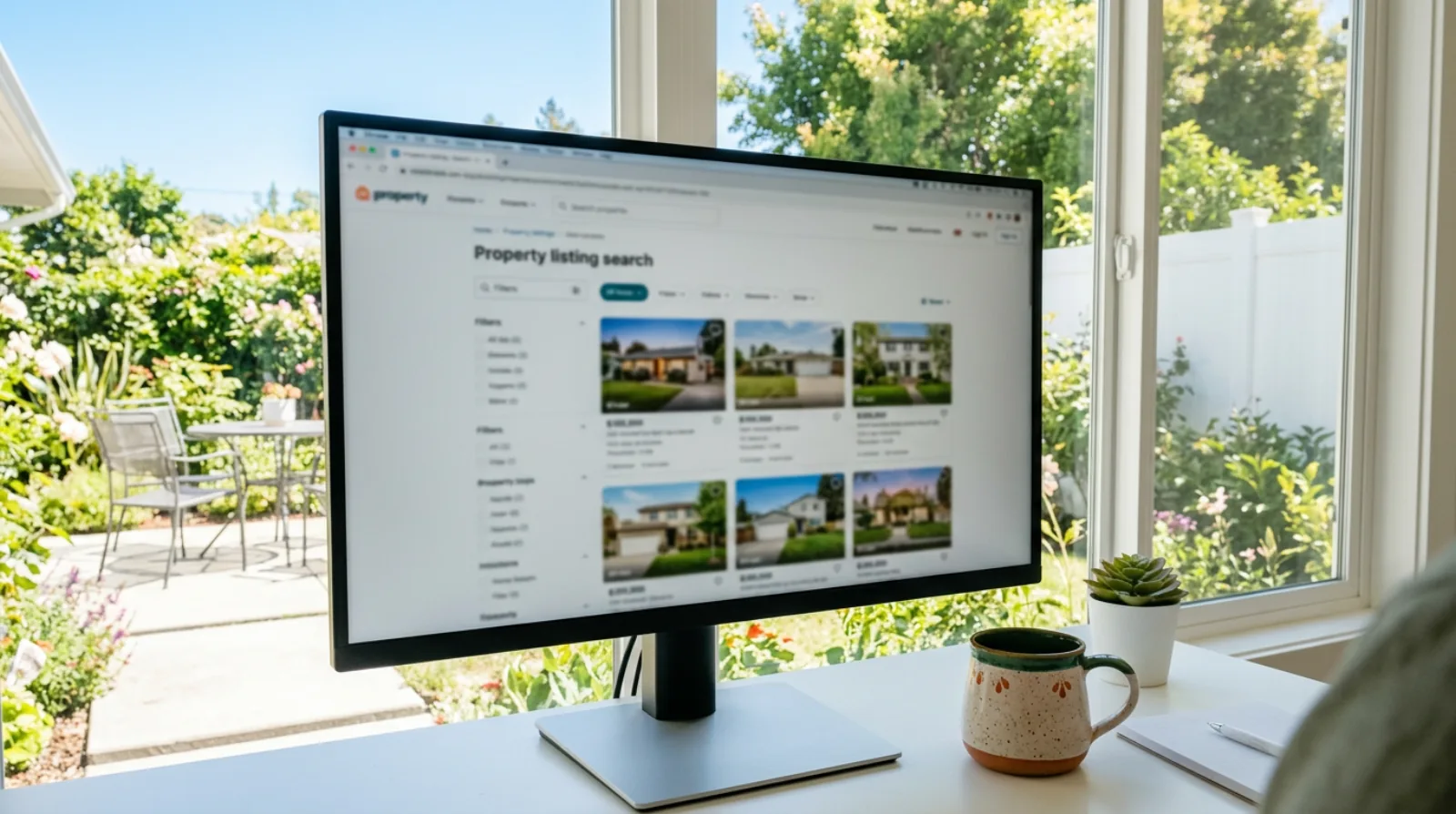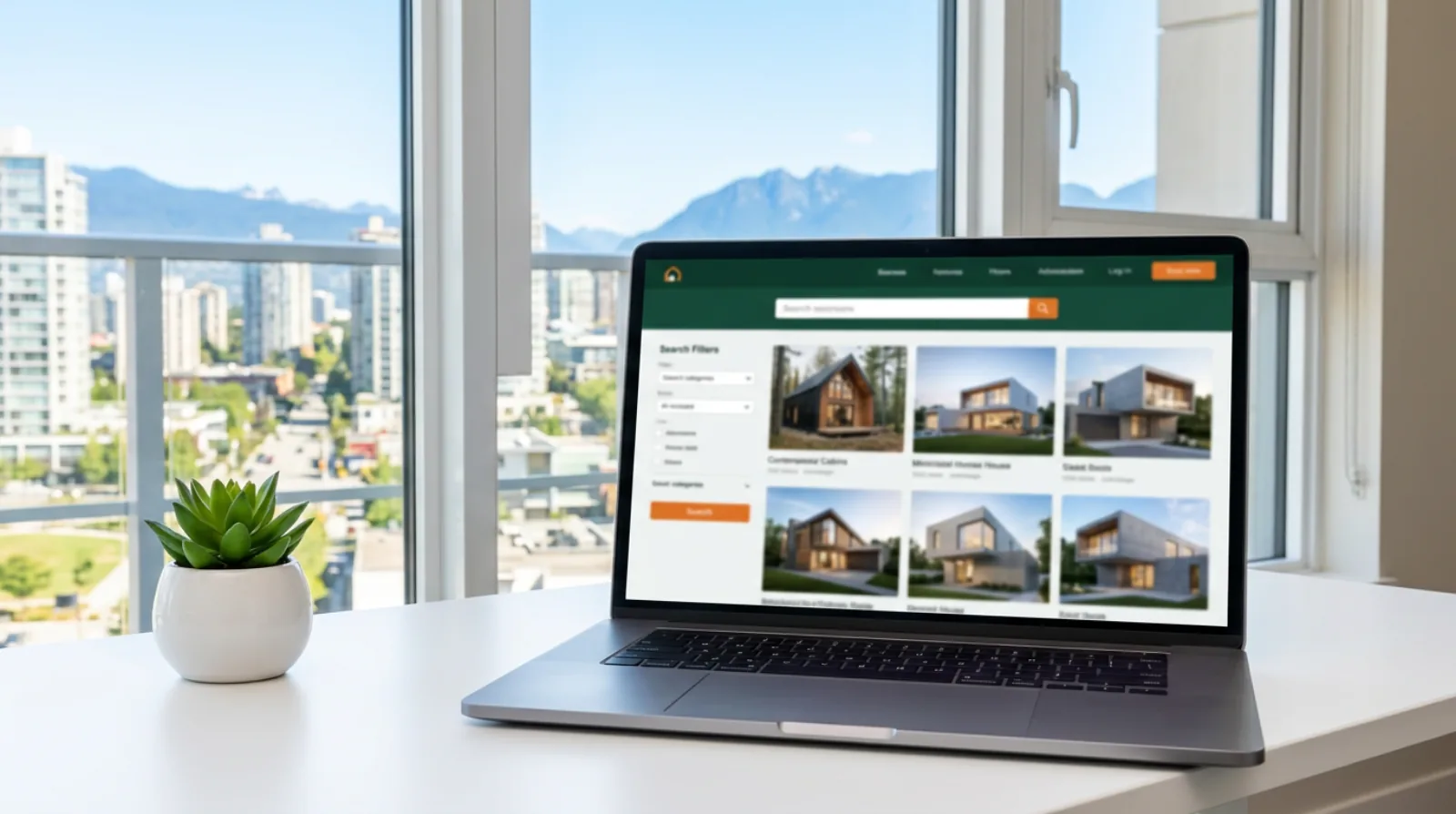
Lovable is an AI app builder: you describe a website in a chat, and it writes the code, the pages and the forms. Agents ask whether it can build a real estate website. It can build most of one. The parts it cannot supply on its own are the listings, the safe handling of the key that unlocks them, and the board rules that govern how they appear.
What Lovable does well for an agent site
Lovable is good at the parts of a site that are design and structure. A home page, an about page, a contact page, a neighbourhood guide, a search page layout with filters and cards: these are a few prompts each. Changes are fast too. "Make the cards show the price larger" is a one-line request.
It also includes a backend. Lovable's built-in backend, which it calls Cloud, is built on Supabase's open-source foundation, so the same project can store contact form leads, run server code, and handle visitor sign-up. For an agent who has paid for a template site that never changed, that speed of change is the main draw.
What Lovable cannot do on its own: listings
Lovable has no MLS data. Nothing in it knows which homes are for sale in Kitsilano today. MLS data is licensed by each real estate board, and in BC it reaches a website through an approved data vendor under the board's IDX and VOW rules.
Most MLS data now travels in the RESO Web API format, a standard from the Real Estate Standards Organization. A request is a web address with filters, such as active listings in one area under a price, and the answer uses standard field names such as ListPrice and BedroomsTotal. Lovable can read that format well, because the standard is public and the field names are consistent. What it needs from you is access to the feed and the key that goes with it.
If you skip the feed, a Lovable search page either shows nothing or, worse, shows invented homes. The build prompt in our Lovable MLS guide tells it to show only what the feed returns.
Where the key goes, and why it matters
An API key is a secret code that lets the site request data from the feed. In Lovable it belongs in Secrets: More, then Settings, then Secrets, then Add secret. Lovable's docs say secrets are injected into server code at run time, read with Deno.env.get in an Edge Function, and never reach the browser.
Two mistakes to avoid. First, do not paste the key into the Lovable chat. Lovable's docs say to use the Add secret form instead, and chat history is stored with the project. Second, do not give the key a name starting with VITE_. Lovable rejects that prefix because those values are built into the page code visitors download.
The pattern for every feed call is the same: the key in Secrets, a server function that calls the feed, and pages that call the server function. Lovable's guide to integrating any API describes the same split: secrets read by server code, so visitors cannot see private keys.
The board rules Lovable does not know
The data is licensed to a REALTOR or brokerage under the board's rules, and the tool used to build the site does not change that. Lovable writes what you ask for. If the prompt does not mention the listing brokerage credit or the board's notice text, the listing page will not have them.
Settle these with your board before launch: which listings may show, which fields may appear on public pages, how each listing's brokerage is credited, what notice text is required, how fresh the data must be, and what a sign-up for sold data must include. Our page on board rules for showing MLS data lists the questions. Saige's team goes through the current rules for your board when we review a feed request.
Sold prices need sign-up, which Lovable can add
Sold prices come through a VOW feed, the arrangement for data boards keep behind a registration. A visitor must sign up and accept terms before seeing it. This is where Lovable's built-in sign-in helps.
Lovable's authentication docs say that when you ask for login, it creates the sign-up, login and password reset pages and protects user data with row level security. Name the method you want. Without one, Lovable sets up email and password, Google sign-in and Sign in with Lovable. For home sellers, email and password alone is the simplest.
The server function for sold data must check that the visitor is signed in before it asks the feed. A sold prices page that checks only in the page code would still send the data to anyone who calls the function directly.
A realistic build order
One large prompt for everything makes each result harder to check. A steadier order:
- Store the key and the feed address in Secrets.
- Paste the build prompt: home, search, listing page, contact form, board notice.
- Check that listings load and that no page code mentions the key.
- Add the one-area filter if the site covers one neighbourhood.
- Add sign-up and the sold prices page.
- Write the area guides and the about page in your own words.
Each step has its own page and prompt in the Lovable MLS guide. The general guide at /mls-api covers what IDX and VOW include and how the RESO format works.
When Lovable is the wrong choice
If you want a site you never touch again, a managed agent website may suit you better than any builder. Lovable rewards people who will make changes, check the result and keep the prompts honest. If you build for clients, it is fast, but each client's site carries its own board duties, and the feed access is tied to the REALTOR or brokerage the site belongs to.
The takeaway
Lovable can build a real estate website, and it builds the design and structure quickly. The site becomes useful when three things are in place: a licensed MLS feed, a key that stays in Lovable's Secrets and server code, and a prompt that includes the board's rules. Get those right first, then spend your time on the pages only you can write.