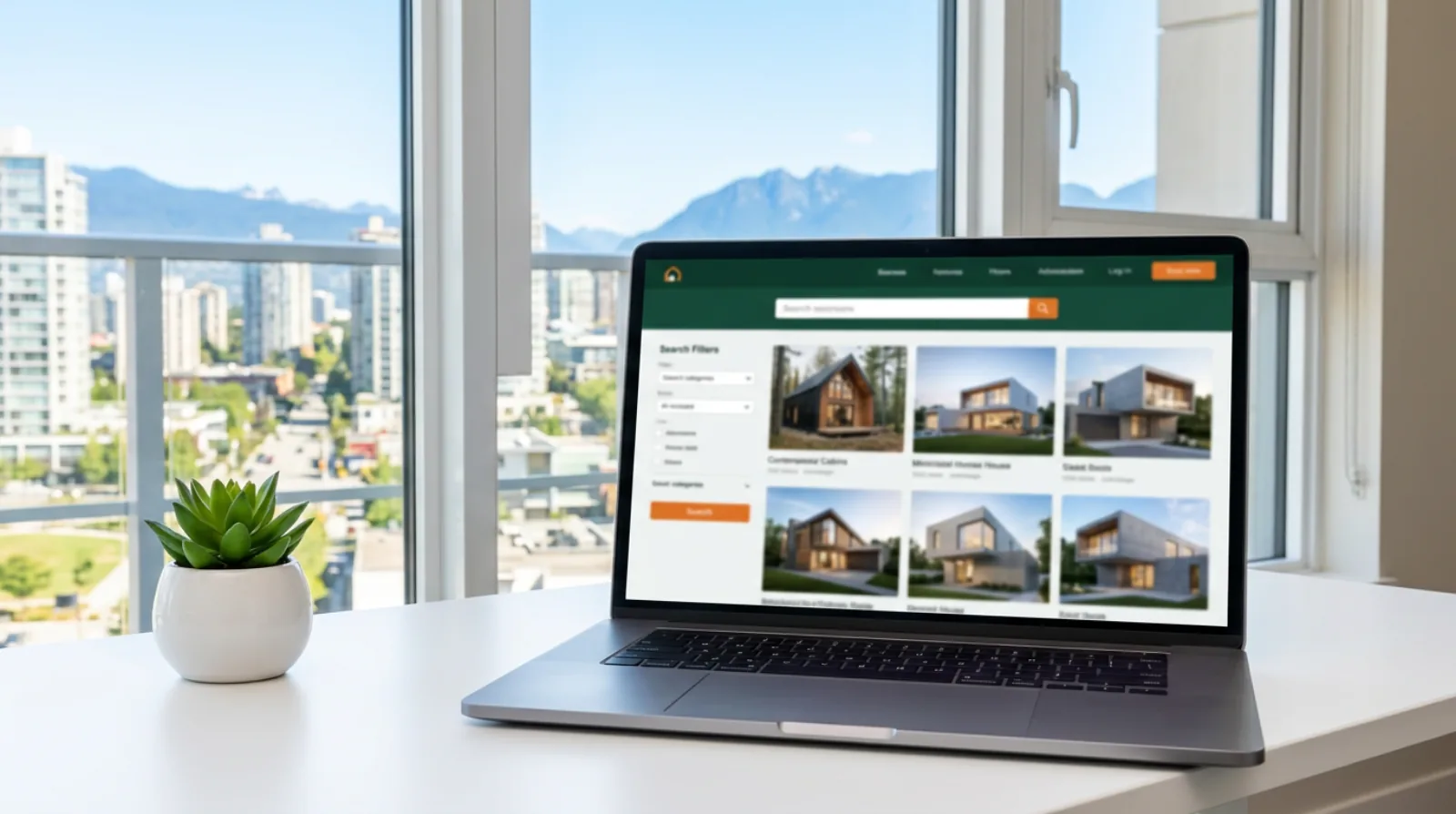
"Best IDX plugin" is a common search among agents with WordPress sites. The question behind it: do you want a vendor's listing search placed inside your site, or the listing data itself so your site can build its own pages? This article compares the two approaches. Vendors are left unranked, because what each one offers for each BC board changes and has to be checked with them directly.
What an IDX plugin or widget does
An IDX plugin or widget is software from a listing vendor that adds search and listing pages to your site. Some run as a WordPress plugin. Others add a block of code that loads the vendor's search on your page. The vendor connects to the MLS data and handles much of how listings appear.
The appeal is speed. Install it, set your options, and search appears. The trade-off is control. The design, the page layout, the web addresses of listing pages, and what search engines see are set by the vendor's product. Some place listings on your domain, some inside a frame, some on the vendor's own pages. That difference matters for how your site is read by search engines, so ask each vendor which one theirs does.
What an MLS API does
An MLS API delivers the listing data to your site's code. In BC, a board's IDX and VOW feeds reach a site through an approved data vendor, and most such data now travels in the RESO Web API format: a request with filters, and answers with standard field names such as ListPrice and BedroomsTotal.
Your site then builds its own pages: search, listing pages, a map, a one-neighbourhood view. The design is yours, the page addresses are yours, and the code is yours to change. So are the duties. The site's code must credit each listing's brokerage, show the board's notice, refresh as often as the board requires, keep sold data behind a sign-up, and keep the API key on the server.
How the two compare
| IDX plugin or widget | MLS API | |
|---|---|---|
| Time to first search page | Short: install and configure | Longer: build the pages, often with an AI builder |
| Design | The vendor's, with options | Yours |
| Listing page addresses | Set by the vendor's product | Set by you, such as /listing/[id] |
| Board display rules | Handled in part by the vendor | Built into your own code |
| Key security | Handled by the vendor | Your server code holds the key |
| Works with Lovable, Base44, Bolt | Depends on the vendor | Yes, through server code |
| Works with WordPress | Yes, if a plugin exists for your board | Yes, with a small custom plugin |
Who should pick a plugin or widget
Pick a plugin or widget if you want listing search with as little code as possible, your site runs on a platform the vendor supports, and you are content with the vendor's design and page structure. Check that the vendor supports your board, ask how its listing pages appear to search engines, and ask what happens to those pages if you leave.
Who should pick an API
Pick an API if you build with an AI builder such as Lovable, Base44, Bolt, Replit or v0, because those tools write their own pages and connect to data through server code. Pick it too if you want a site designed around one neighbourhood or one building, where the area filter lives in your own code, or a WordPress site where listings match the theme exactly.
On WordPress, the core pieces are already built in. The WordPress HTTP API makes the feed request from PHP, and the Transients API keeps a short-lived copy of each answer so pages stay fast. Our WordPress MLS guide has a starter plugin.
What neither one fixes
Both approaches show the same listings every other site with the same feed shows. That is why IDX pages rarely bring new visitors by themselves, as we covered in does IDX actually bring you clients. Google's guidance on helpful content asks whether a page shows first-hand expertise. Your area guides, your process pages, and what you know about specific streets and buildings answer that question.
An API makes those pages easier to connect to listings, because you control both. That is a reason to choose it if you plan to write them yourself.
Questions to ask before you choose
Whichever way you lean, these questions sort out most of the decision:
- Does the plugin or vendor support your board, and which feeds: active listings only, or sold data too?
- Where do listing pages live: on your domain, inside a frame, or on the vendor's own site?
- What happens to your listing page addresses if you leave the vendor?
- Who will edit the site next year? If it is you with an AI builder, an API fits that work. If it is nobody, a managed plugin may be safer.
- Do you plan to write area guides and process pages? If so, connecting them to listings is easier when you control both.
- Who checks the board's rules after each change? With an API, that is your job.
Write the answers down before you sign anything. They also make a useful brief for the developer or AI builder that does the work.
The takeaway
A plugin or widget trades control for speed. An API trades speed for control and puts the board rules and key safety in your code. If you build with an AI builder or want a site shaped around one area, an API fits. If you want search running today with no code, a plugin may fit. The MLS API overview explains access, and each builder guide shows the steps.